Table
Insert dynamic tables
Introduction
The Table binding lets you create dynamic tables in your document. You simply bind to array of data from your input, and the table will be populated when the document gets generated.
Table binding overview
The Table binding can be applied to table cells or table rows in your recipe. It can also be wrapped around the whole table, in which case the rows between the first one with bindings to the last one with bindings will be duplicated.
When adding a Table binding in a recipe through the binding editor, the following dialog is shown:
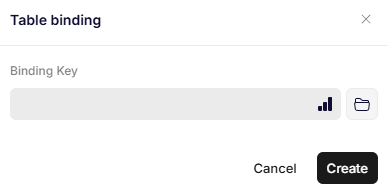
Table binding
Parameters
Binding Key
The path to an array, defining the repeating of rows and the scope for the table's data.
Was this article helpful?
That’s Great!
Thank you for your feedback
Sorry! We couldn't be helpful
Thank you for your feedback
Feedback sent
We appreciate your effort and will try to fix the article