How to create an integration
How to get started with integrations in Create Classic
To set up an integration in Omnidocs Create Classic, you need unit management permissions.
Once you have unit permissions, follow these steps:
- Go to Integrations in the Unit settings page.
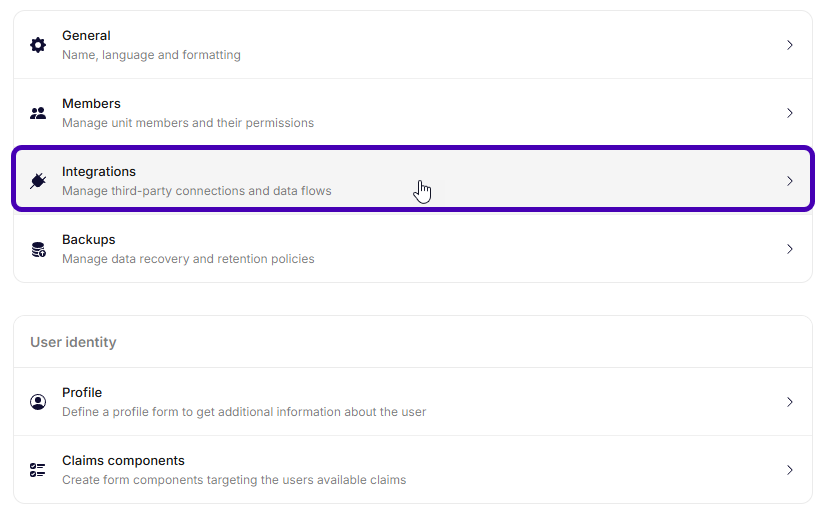
Unit settings.
- Click New Integration.
- Choose the service you want to connect.
- Fill out any needed information to authorize access.
- Click Create Classic to finalize the setup.
You have now created a new integration.
Was this article helpful?
That’s Great!
Thank you for your feedback
Sorry! We couldn't be helpful
Thank you for your feedback
Feedback sent
We appreciate your effort and will try to fix the article