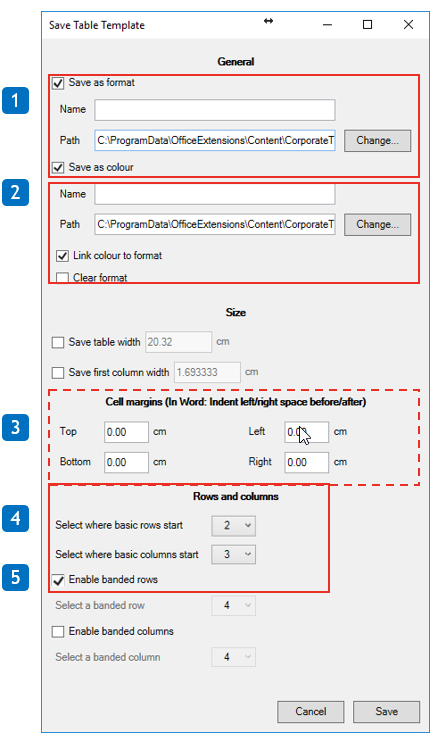
1. Choose a name for your table
2. Choose a name for your color scheme
3. Remember to set a margin for the table
4. In Select where basic rows start select 2 (usually is)
Select where basic columns start select 3 (usually is)
5. Check Enable banded rows to have banded rows, and select the row that is banded. If basic is 2 then banded is 3.
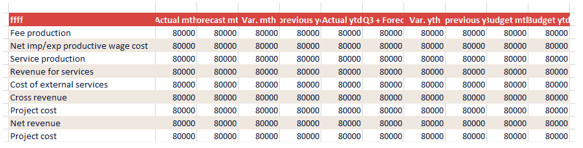
Note: You can reverse the banded basic to start with the color instead of white.
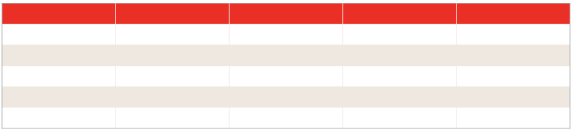
Example for banded table where white is basic row (2) and color is banded row (3). Pattern is the repeated.
Was this article helpful?
That’s Great!
Thank you for your feedback
Sorry! We couldn't be helpful
Thank you for your feedback
Feedback sent
We appreciate your effort and will try to fix the article