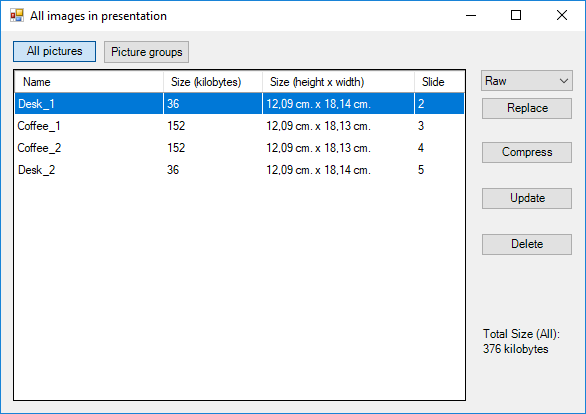
This feature opens an interface that shows a list of the inserted pictures in a presentation in PowerPoint. This list contains their size, file format and on which slide they appear. In this overview, it is possible to replace, compress, update and delete selected pictures.
Module is located here:
Code
...\ModuleLibrary\BaseExtensions\01_nocontext_Tools\66_P_imageOverview.xmlCMD
<Cmd case="BaseExtensions:show-images"/>
An example of the image overview is visualized in the image below:
Was this article helpful?
That’s Great!
Thank you for your feedback
Sorry! We couldn't be helpful
Thank you for your feedback
Feedback sent
We appreciate your effort and will try to fix the article