We save the configuration of the infographics in the Content folder within the client's SDUP. The configuration is separated into colors, icons and templates, which are all saved as json files.

In order to configure the templates, use the admin editor, which is a task pane that allows to create new templates, customize the settings of each template as well as to uploade colors and icons.
The following command activate and opens the admin task pane:
<Cmd case="InfoGraphics:Launch"/>
This is already present in SDTools (in the Developer tab).
Admin pane for configuration
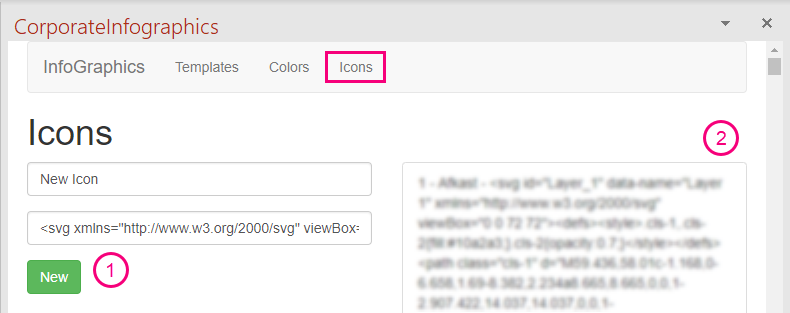
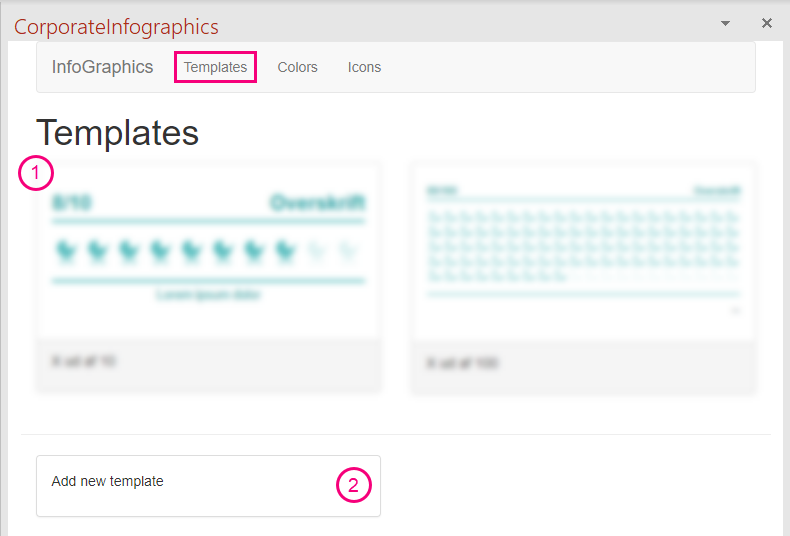
Expand the task pane in order to see the different options (Templates, Colors and Icons). In the tab called "Templates", you can create a new table or click an existing template to change the settings. In the "Color" tab, new colors can be added, while the "Icons" tab enables to upload and name new icons.
The configuration will be saved here:
%programdata%\OfficeExtensions\Content\InfoGraphics\data
For this reason, copy the content from this path and save it in the client's SDUP.
The following sections elaborate on how to configure the elements for infographics using the admin pane. We start with colors and icons as these will be present in the settings for templates.
Configuration of colors
The following image illustrates the color tab. The three elements are described below.
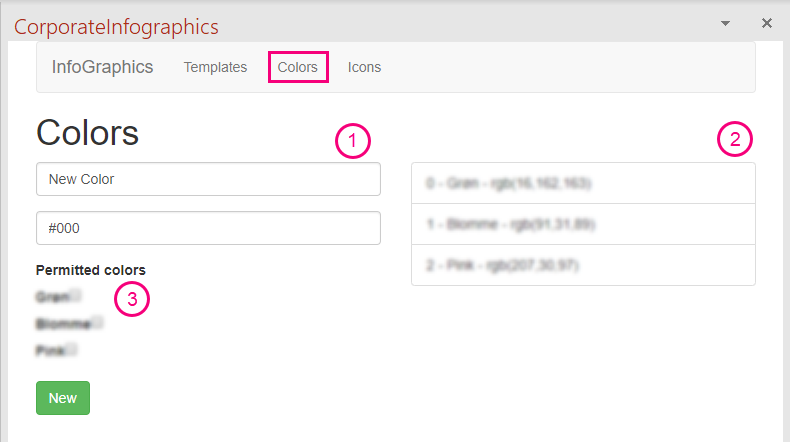
1) Add new color
d
2) Added colors
3) Permitted colors
Configuration of icons
Configuration of templates
Furthermore, we are able to change the font of the text in the infographic. However, this is not supported in the editor yet. To change the default font, go to the template.json in the content folder and add the property called defaultFontName in the "first layer" of the json. Here is an example:
{
  "width": 882,
  "height": 360,
  "defaultFontName": "Times New Roman",
  "root": {
    ....
  }
}
Was this article helpful?
That’s Great!
Thank you for your feedback
Sorry! We couldn't be helpful
Thank you for your feedback
Feedback sent
We appreciate your effort and will try to fix the article