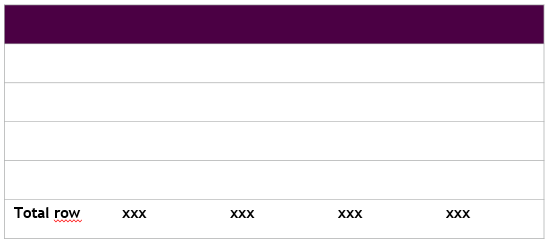
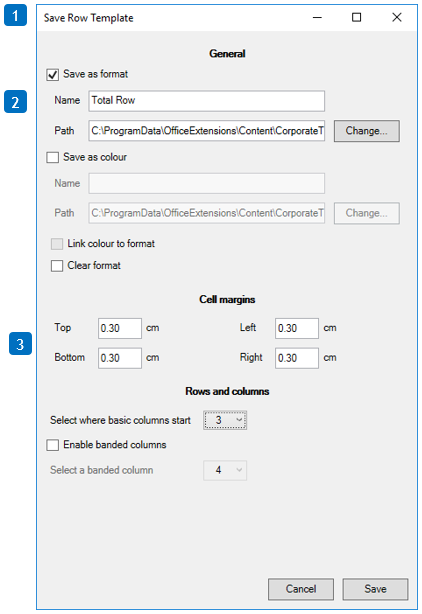
1. Only select the row that you want to save as row, and hit the CT Save button in the ribbon. It will know that you only want to save a row template.
2. Select the name that you want the Row template to be called, for instance Total Row.
3. Remember to specify margin/indent if needed.
Was this article helpful?
That’s Great!
Thank you for your feedback
Sorry! We couldn't be helpful
Thank you for your feedback
Feedback sent
We appreciate your effort and will try to fix the article