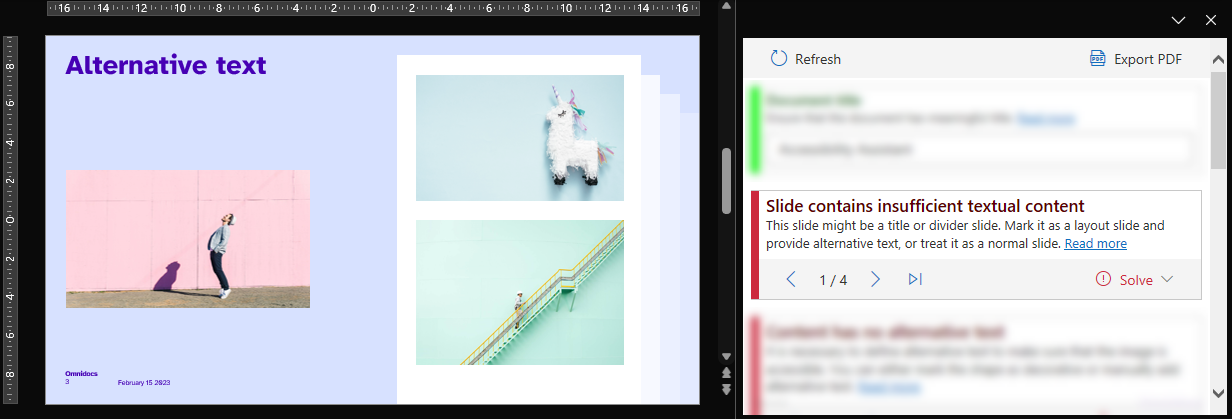
If a slide contains less than 50 characters, Accessibility Assistant will suggest to either add an alternative text, use the speaker notes as the description for the slide, or treat the slide as a normal slide.
Adding alternative text will mark the slide as a layout slide and add the alternative text written in the pop-up box that shows when selecting that solution. Using the speaker notes as description will simply mark the slide as a layout slide. Lastly, treating the slide as a normal slide will let the slide be as is.
Was this article helpful?
That’s Great!
Thank you for your feedback
Sorry! We couldn't be helpful
Thank you for your feedback
Feedback sent
We appreciate your effort and will try to fix the article