You can highlight specific series in your chart with Corporate Charts, using our Highlight series tool.

Select the series you want to highlight. In the following example, I have selected Series 3, the grey series. 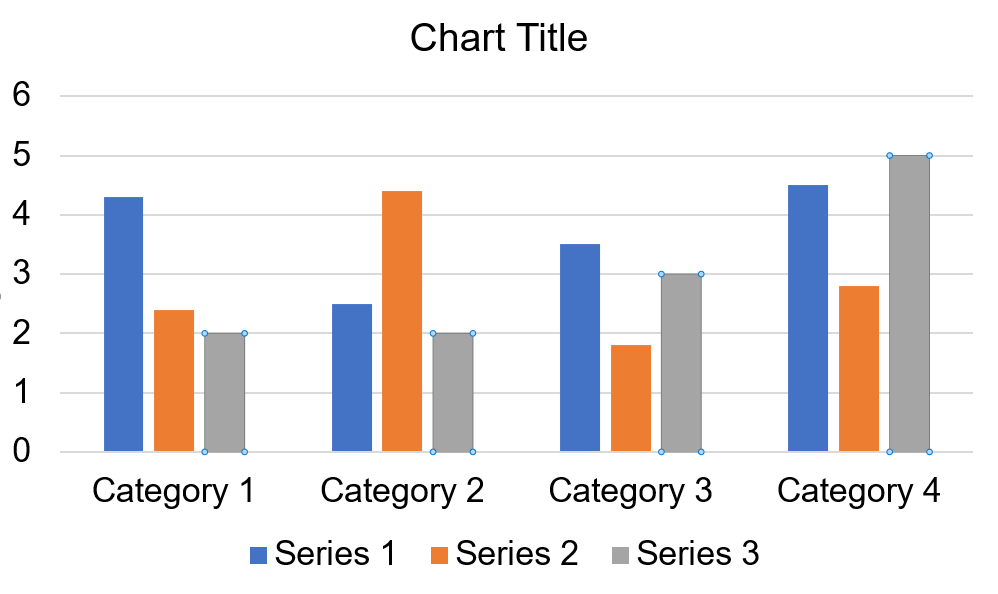
After selecting the series you wish to highlight, navigate to the highlight series button and select the color you wish to highlight with.
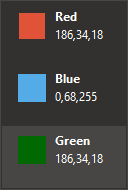
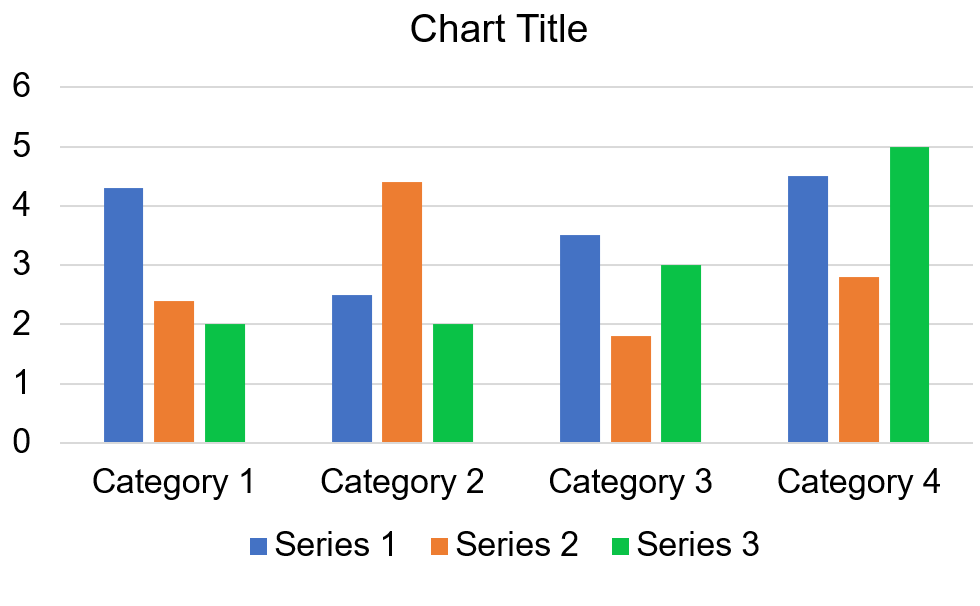
In this example, I have picked the green color to highlight with. This will result in the grey series, being highlighted with the green color:
Was this article helpful?
That’s Great!
Thank you for your feedback
Sorry! We couldn't be helpful
Thank you for your feedback
Feedback sent
We appreciate your effort and will try to fix the article