If you’re looking for functionalities that make your presentations check themselves you have come to the right place!
This guide will take you through the different settings of the Check software which will make your presentation check itself, enabling you to be at ease when all the small stuff are covered.
You will learn about:
- How to fix warnings that shows you what is off-brand or if there is e.g. inconsistent spelling of a certain
- Alignment within language, punctuation, numbering and much more
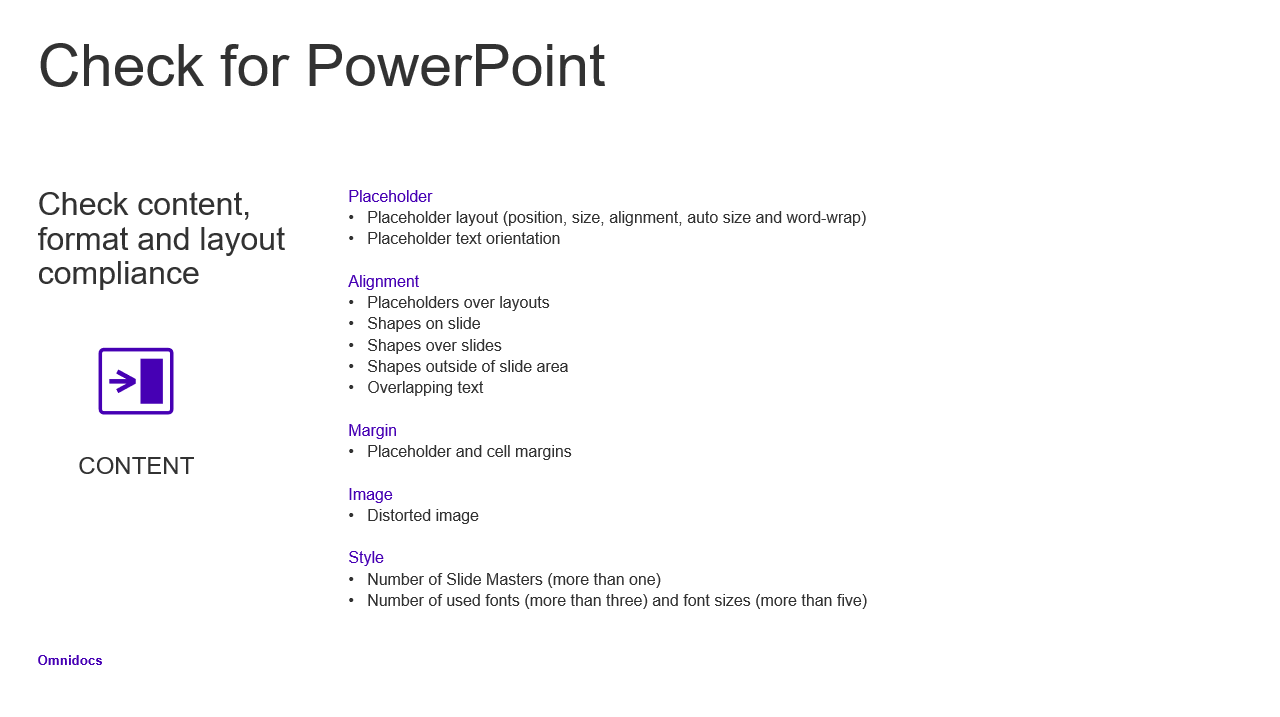
Screenshot from the learning document
By spending 10 minutes with this guide you will become advanced within the compliance universe as well within with Check world.
Click here below to download the guide.
Was this article helpful?
That’s Great!
Thank you for your feedback
Sorry! We couldn't be helpful
Thank you for your feedback
Feedback sent
We appreciate your effort and will try to fix the article