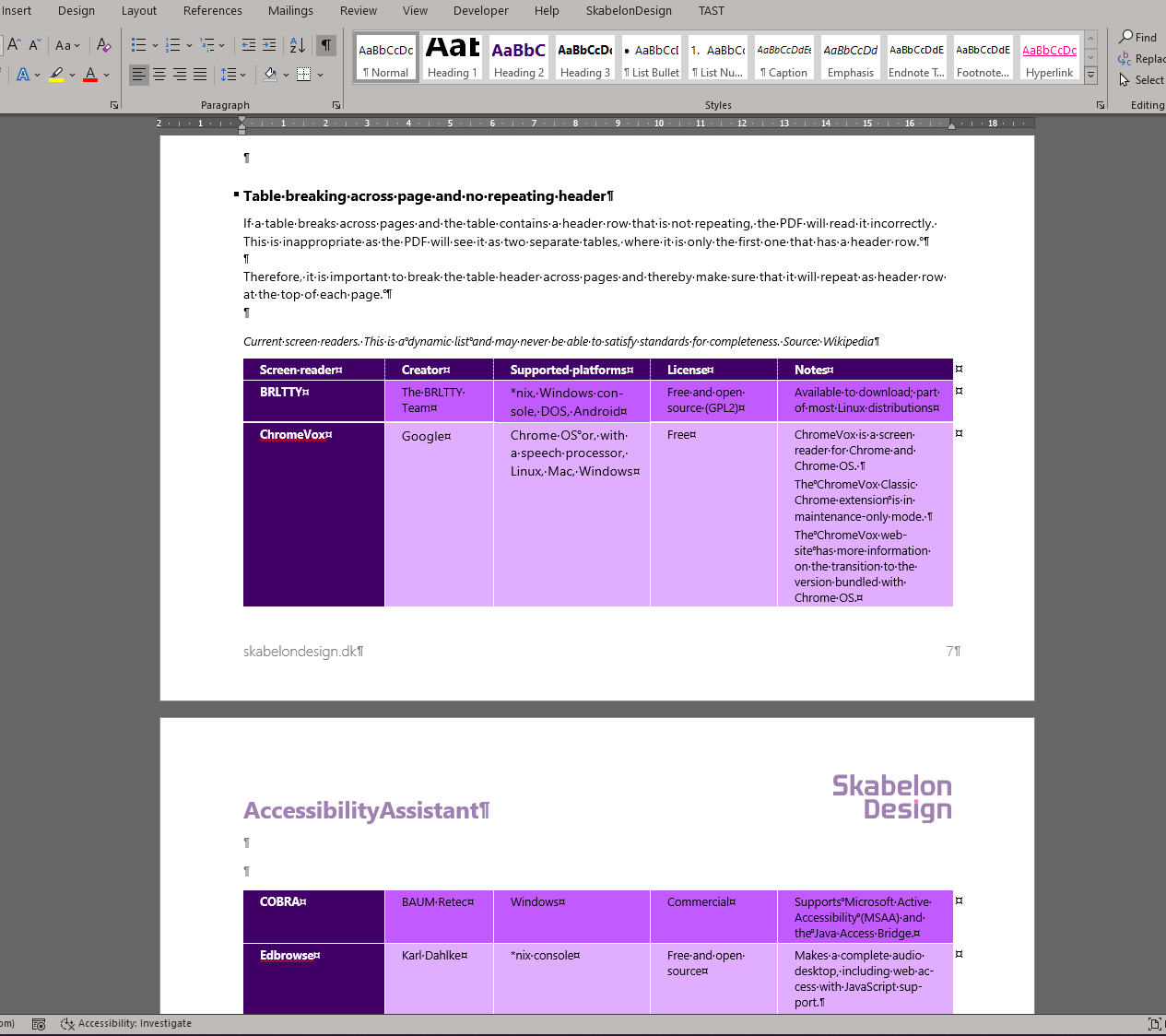
If a table breaks across pages and the table contains a header row that is not repeating, the PDF will read it incorrectly. This is inappropriate as the PDF will see it as two separate tables, where it is only the first one that has a header row. Therefore, it is important to break the table header across pages and thereby make sure that it will repeat as header row at the top of each page.
The table in the image below will be identified as two separate tables because it is breaking across two pages.
Was this article helpful?
That’s Great!
Thank you for your feedback
Sorry! We couldn't be helpful
Thank you for your feedback
Feedback sent
We appreciate your effort and will try to fix the article