It is necessary to define a contextual alternative text to make sure that the image is accessible. If an alternative text is auto-generated, it may not make sense to the user of a screen reader. Therefore, pictures must be marked as decorative or have a manually added alternative text that describes the certain picture.
Alternative text is used to describe graphics and their contexts, and its primary purpose is to describe the graphic to visitors who are unable to see them. When including alternative text, you ensure that all users can appreciate the content.
When writing alternative text, strive to be informative, not poetic, and remember that brief is better. Use complete sentences with proper punctuation and check your spelling. Do not include any information that is already present in the caption.
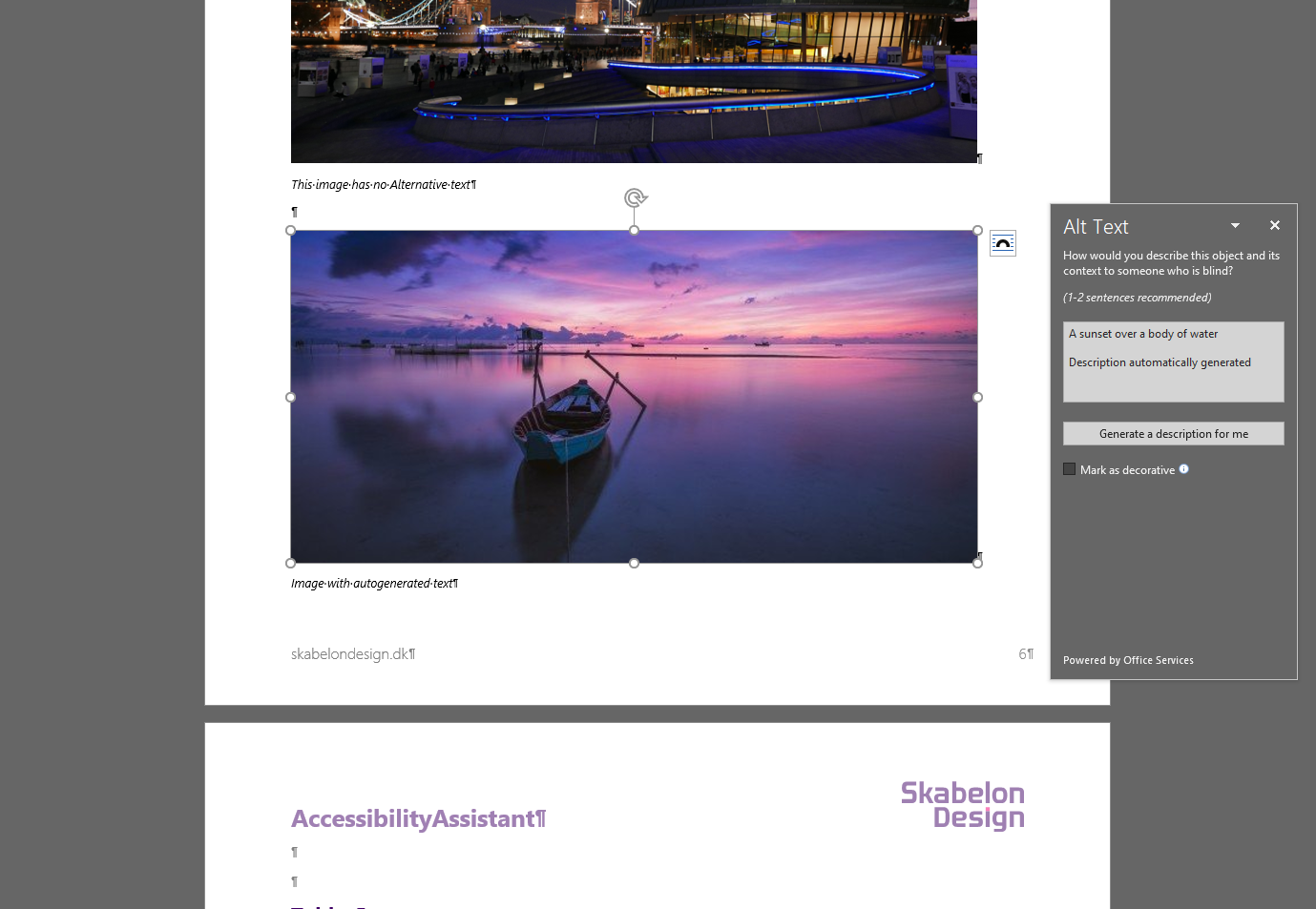
Image with automatically generated Alt Text.
Was this article helpful?
That’s Great!
Thank you for your feedback
Sorry! We couldn't be helpful
Thank you for your feedback
Feedback sent
We appreciate your effort and will try to fix the article