These features makes it possible to both add and remove secondary axes in Corporate Charts. Note that these features are only available in Excel.
Add a secondary axis
First, select the chart you wish to add a secondary axis to.
Click the  icon in your "Specific Chart Elements" section. This opens a dropdown menu.
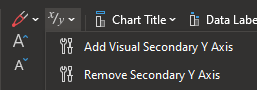
Press "Add Visual Secondary Y Axis" for adding a Y axis to your chart.
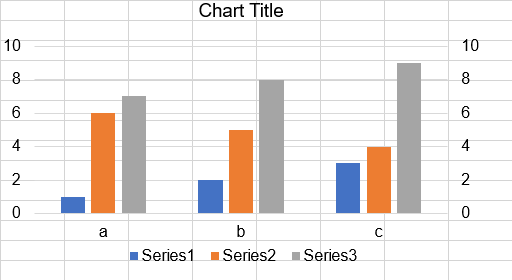
Remove a secondary axis
Select the chart you wish to remove a secondary axis from, and open the same dropdown menu from before. Click "Remove Secondary Y Axis"
Was this article helpful?
That’s Great!
Thank you for your feedback
Sorry! We couldn't be helpful
Thank you for your feedback
Feedback sent
We appreciate your effort and will try to fix the article