Please follow the below instruction for the Installation of an EXE/MSI
1. Click on the link and download the file.
2. Save the file EXE or the MSI somewhere on the computer, e.g. the desktop.
3. Close Office programs.
4. Run the file, e.g. with a double click.
5. A status indicator will show when the installation is complete.
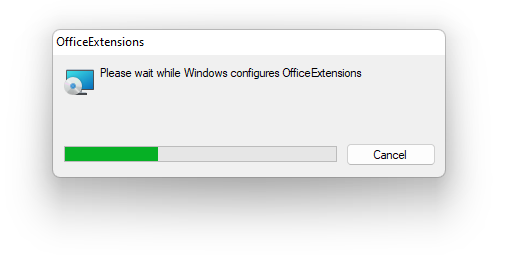
After this, the solution will be installed and available in Office the next time it is opened.
It should become relevant.
The solution can be uninstalled again by:
1. Close Office programs.
2. Open Programs and Features.
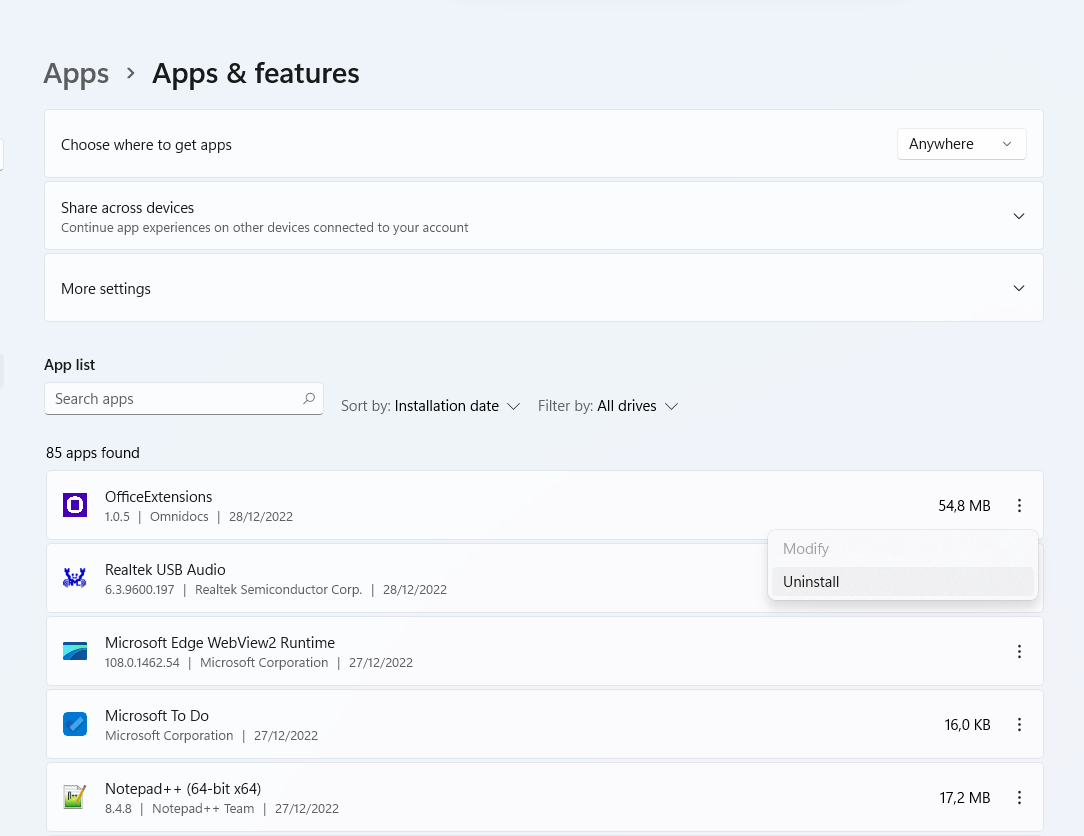
3. Find the program eg: OfficeExtensions and mark it with the mouse.
4. Click Uninstall and then Close when the process is complete.
Was this article helpful?
That’s Great!
Thank you for your feedback
Sorry! We couldn't be helpful
Thank you for your feedback
Feedback sent
We appreciate your effort and will try to fix the article