When using Templafy for creating documents, there can be need for changing the information selected in the gating questions.
For counteracting this issue, we can implement TemplafyAssistant in the customers solution.
XML
<Cmd case="TemplafyAssistant:Activate"/>This command does not have any feature.
The plugin can be found at D:\Git\SD.Installers\AlloyPlugins\RawPlugins
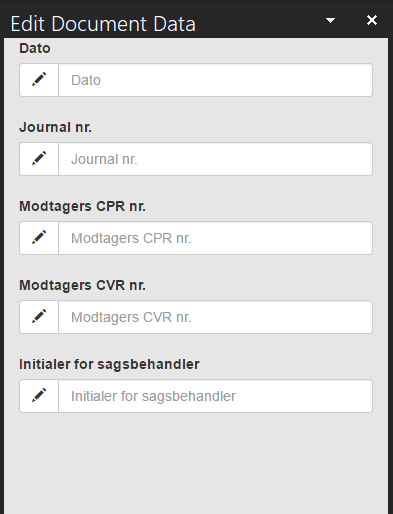
When activating the command, it gives the user a task pane, which lists the dynamic fields that can be filled out or changed in the document via Templafy.
You can see the example below, from Aarhus Universitet's solution.
Was this article helpful?
That’s Great!
Thank you for your feedback
Sorry! We couldn't be helpful
Thank you for your feedback
Feedback sent
We appreciate your effort and will try to fix the article