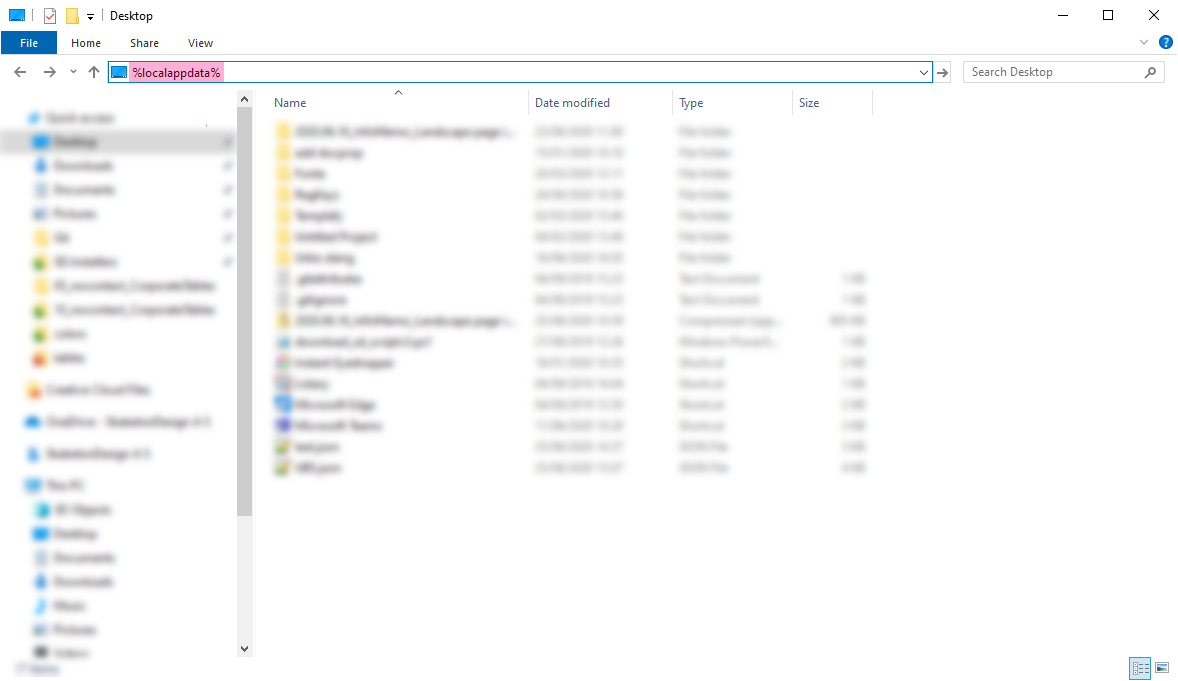
The path for the log is changed with the latest Alloy. Instead of approaching the log in Roaming in AppData, the new log can be found in the Local folder in AppData. Type %localappdata% in File Explorer to access the folder easily.
The particular log for each program is located here:
...\AppData\Local\OfficeExtensions\User\Temp
The latest version of Alloy contains new addins, which can be seen in location within the client's SDUP.
...\OfficeExtensions\Common\Addin
In order to see a detailed log in the log file, it is necessary to open the addin called NLog.config and set minlevel to Trace.
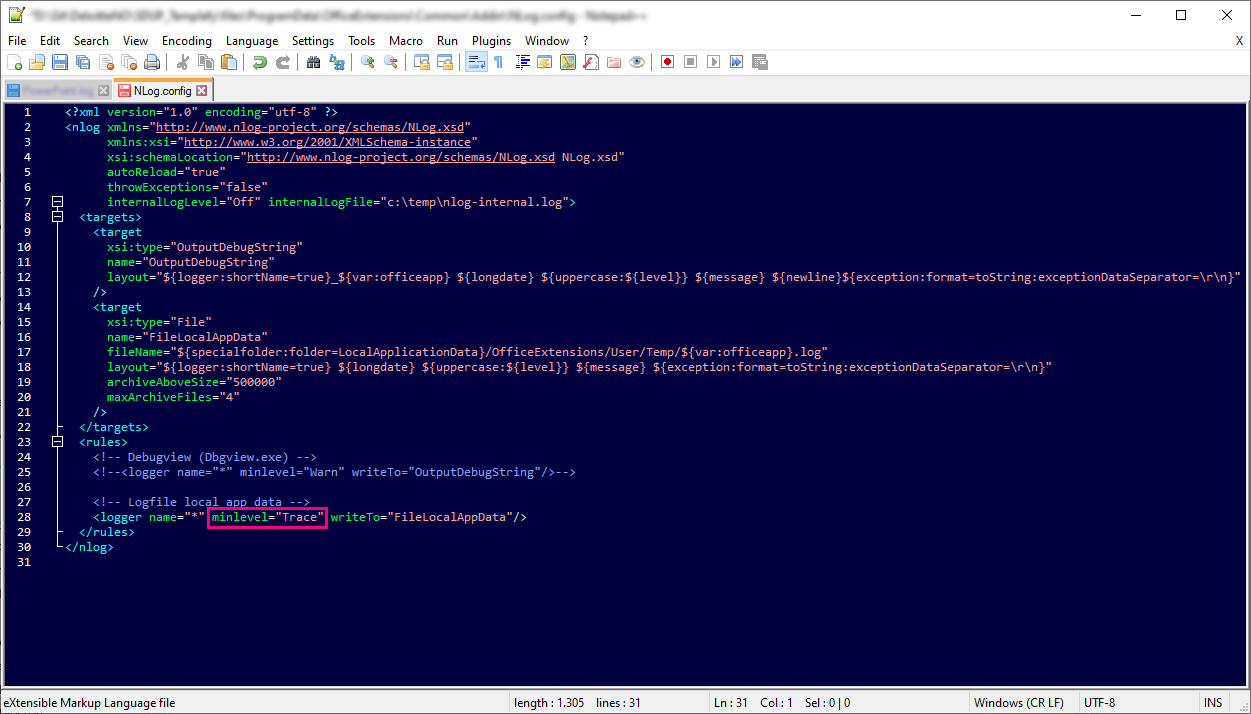
This property will by default be set to Warn.
Was this article helpful?
That’s Great!
Thank you for your feedback
Sorry! We couldn't be helpful
Thank you for your feedback
Feedback sent
We appreciate your effort and will try to fix the article