Do you want to work more efficiently in PowerPoint? Good news - you have landed on the right page of knowledge that can turn you into that PowerPoint Ninja!
The Productivity Plus tool can help you with:
- Aligning text, pictures, shapes, etc. on your slides
- Swap text between shapes and/or position of the shapes
- Arrange content by setting a predefined margin between them
- Easily insertion of shapes, lines, placeholders, stickers, etc.
- And much more
The guide will familiarize you with the different settings and tools in the Productivity Plus universe. Spend 15 minutes to go through the guide and become even more efficient when working in PowerPoint.
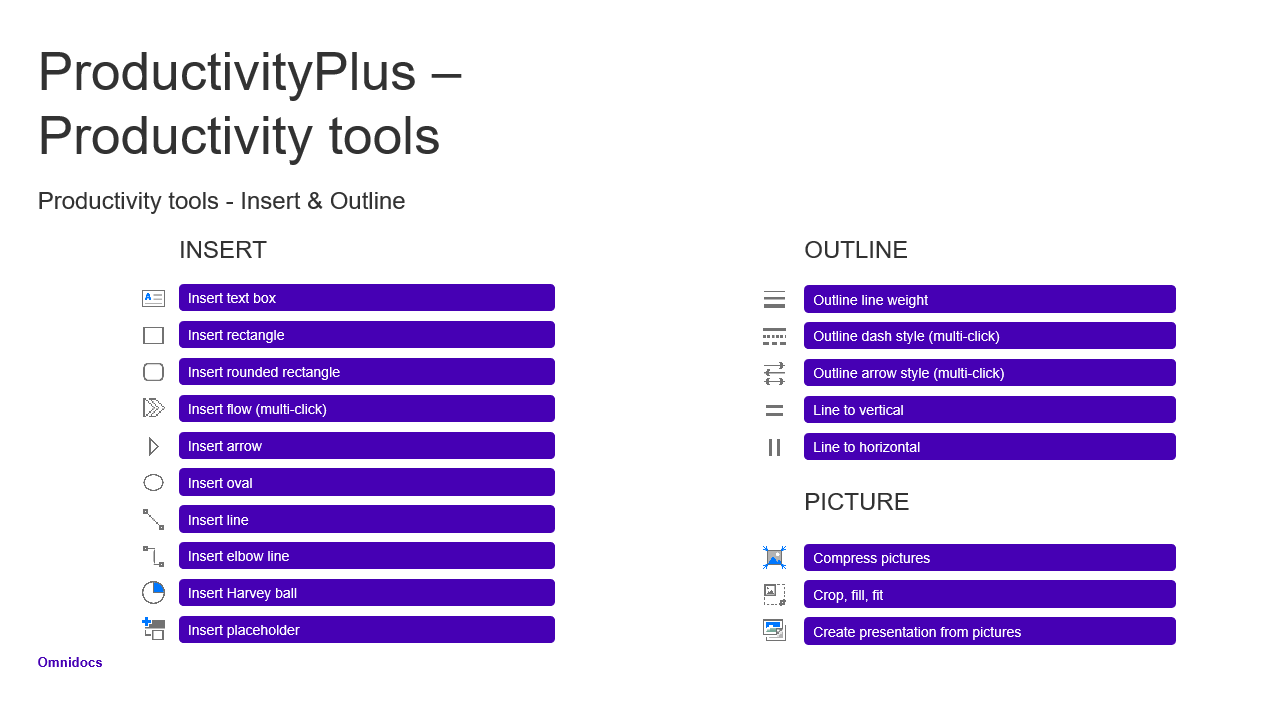
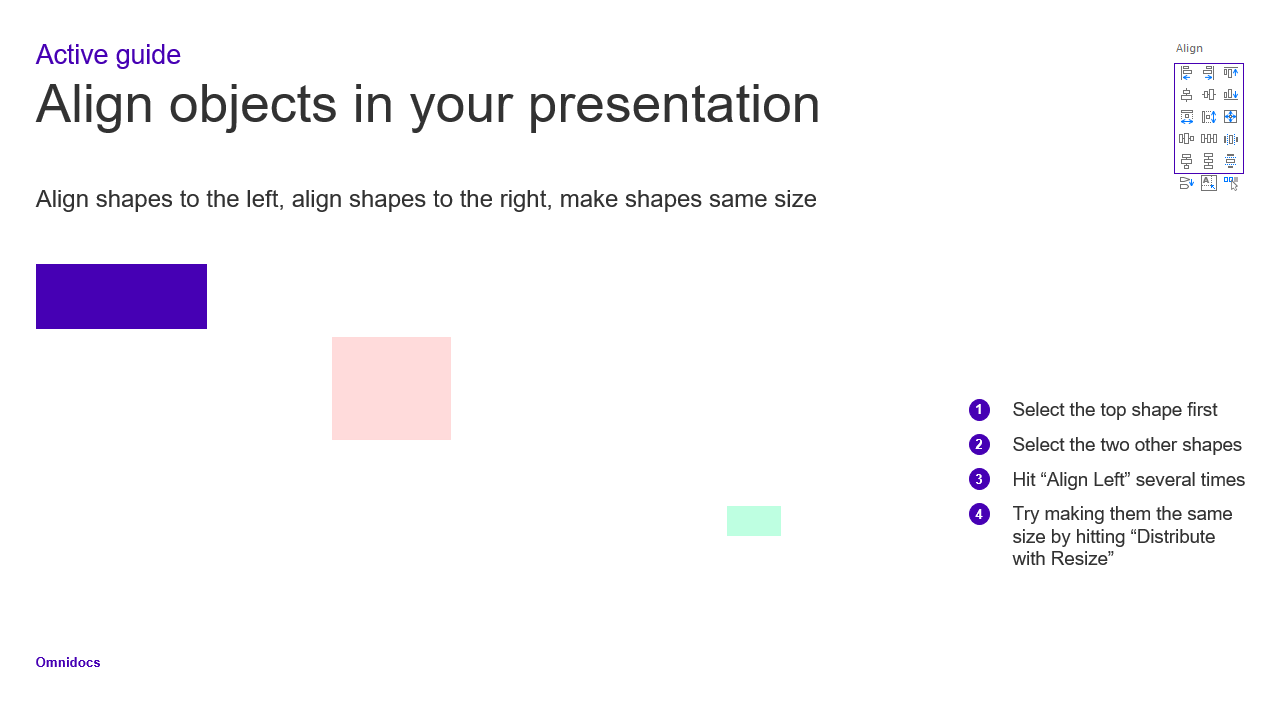
Screenshots from the learning document
Click here to download the guide and learn how to.
Was this article helpful?
That’s Great!
Thank you for your feedback
Sorry! We couldn't be helpful
Thank you for your feedback
Feedback sent
We appreciate your effort and will try to fix the article