Corporate Infographics is a tool that empowers users to create and insert infographics that comply with the visual identity. This feature opens a task pane where the infographic easily can be customized with both colors, numbers and titles. When the infographic is edited, the infographic will automatically update in the presentation.
Thus, Corporate Infographics enables users to work with visualization of complex data in an productive way.
How does Corporate Infographics work?
1) Click the button in ribbon or the overlay button that appears when a placeholder is selected.
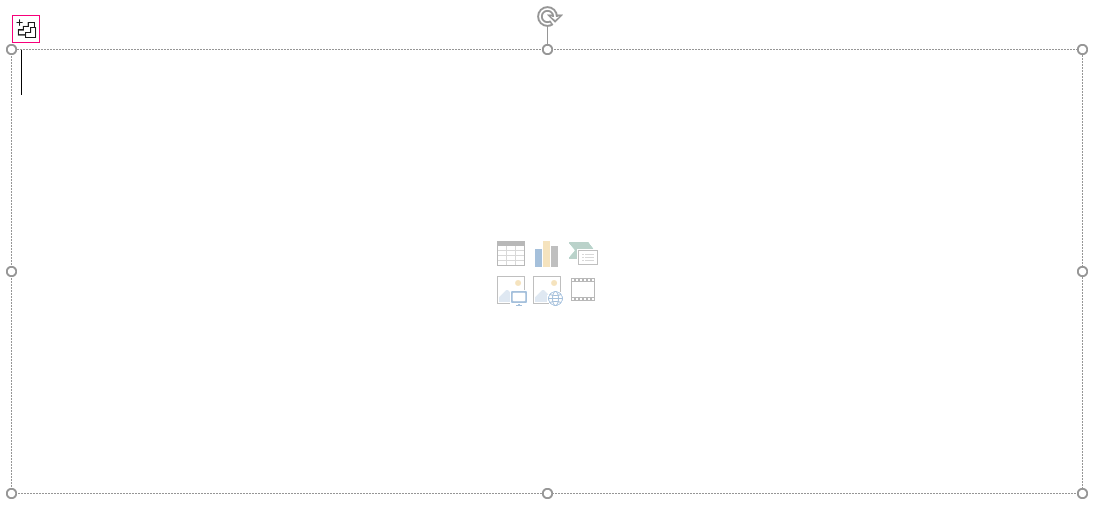
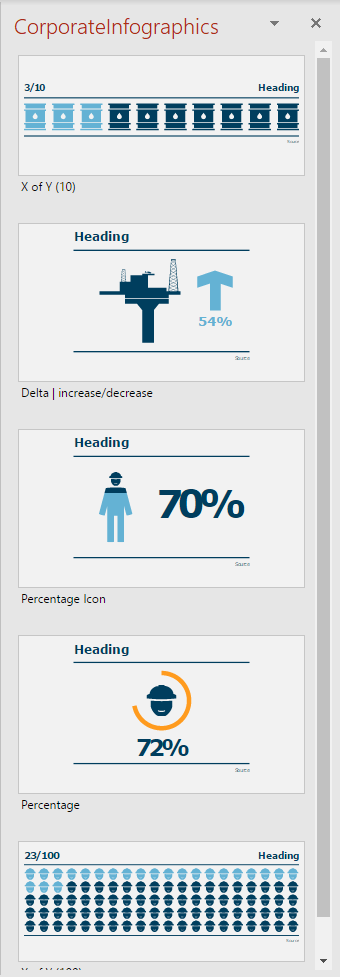
This will open a task pane containing different templates.
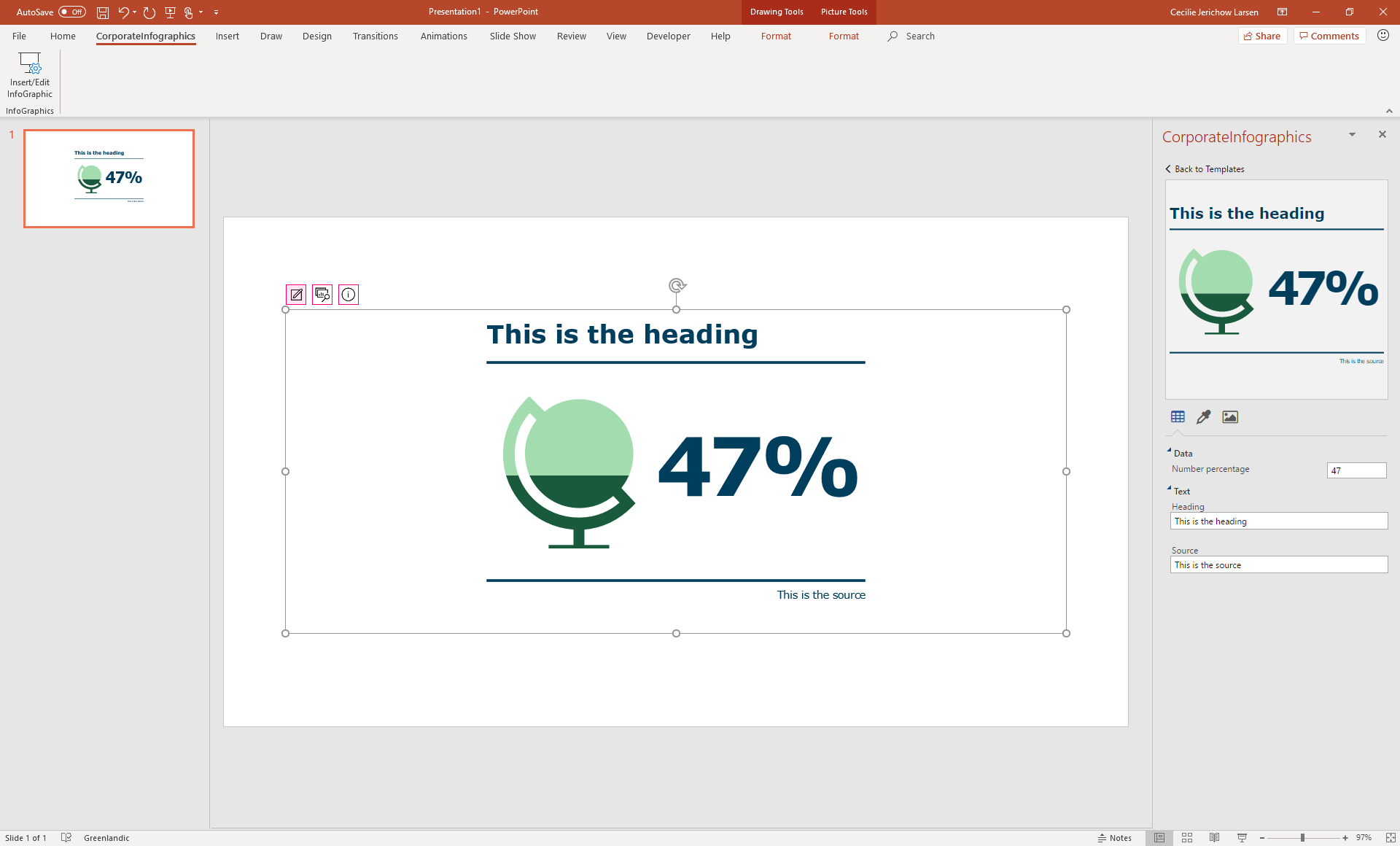
2) When a template is selected, the user is able to customize both text, color, icon and data.
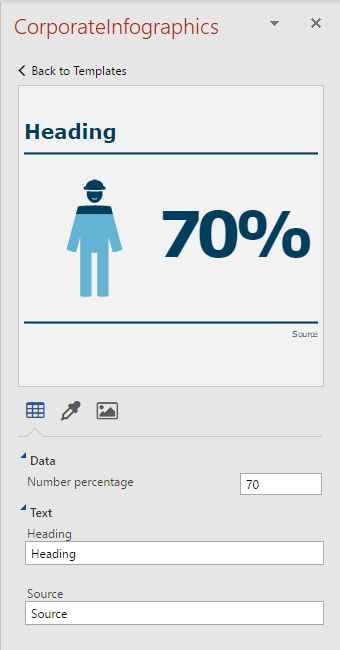
When the customization is done, hover and click the preview of the infographic to insert it.
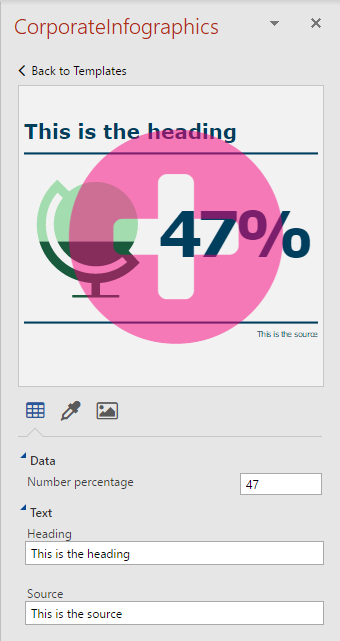
3) After inserting an infographic, three buttons appear when selecting it. The first one opens the editor view of the selected infographic, while the second one opens the template view. The third one is for information if needed.

The inserted infographic can easily be edited. Click the first overlay button when the infographic concerned is selected. After editing, hover and click the preview, and the inserted infographic will automatically update due to the changed.
4) The template of the selected infographic can be changed as well. Click at the second overlay button to open the template view.
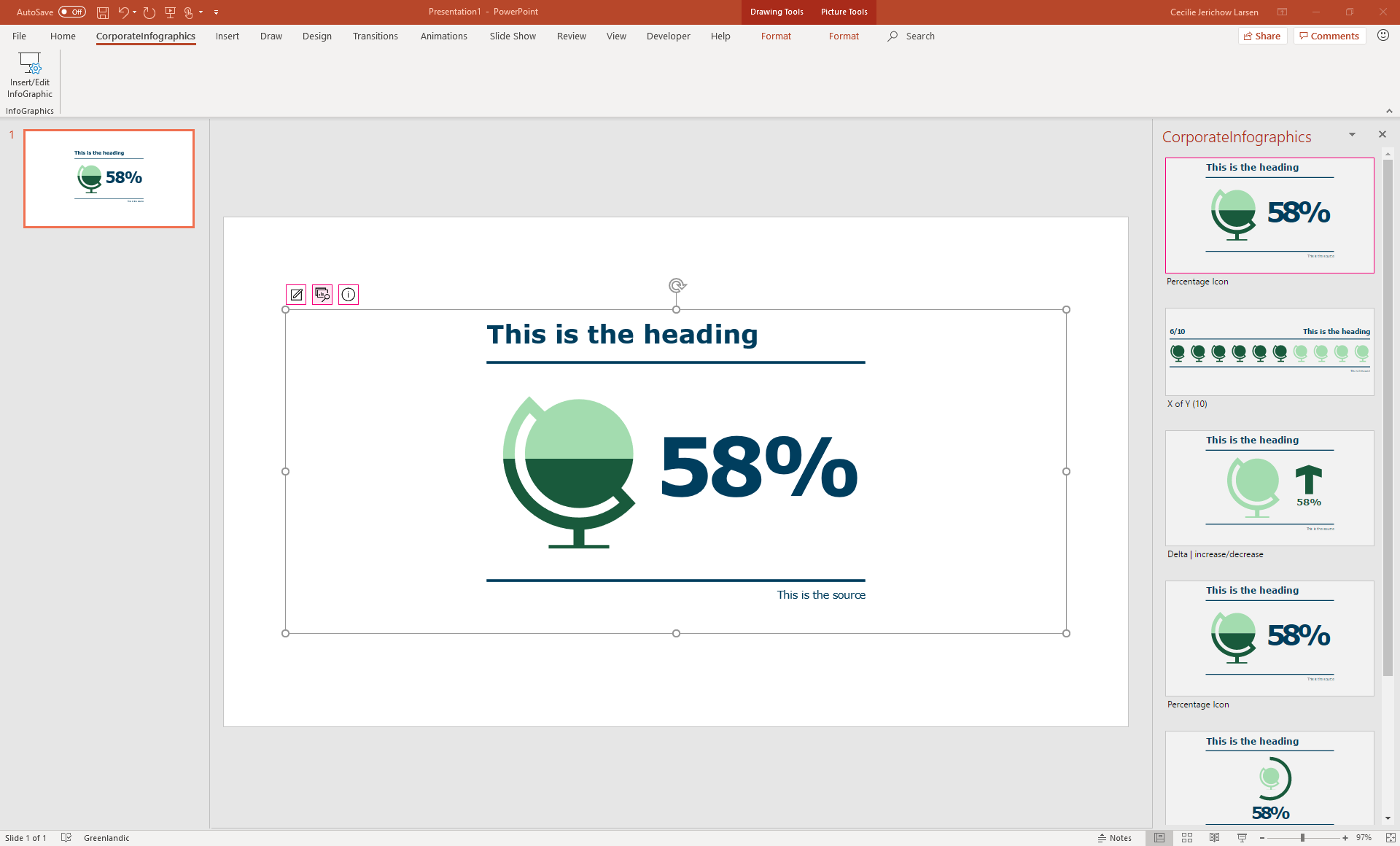
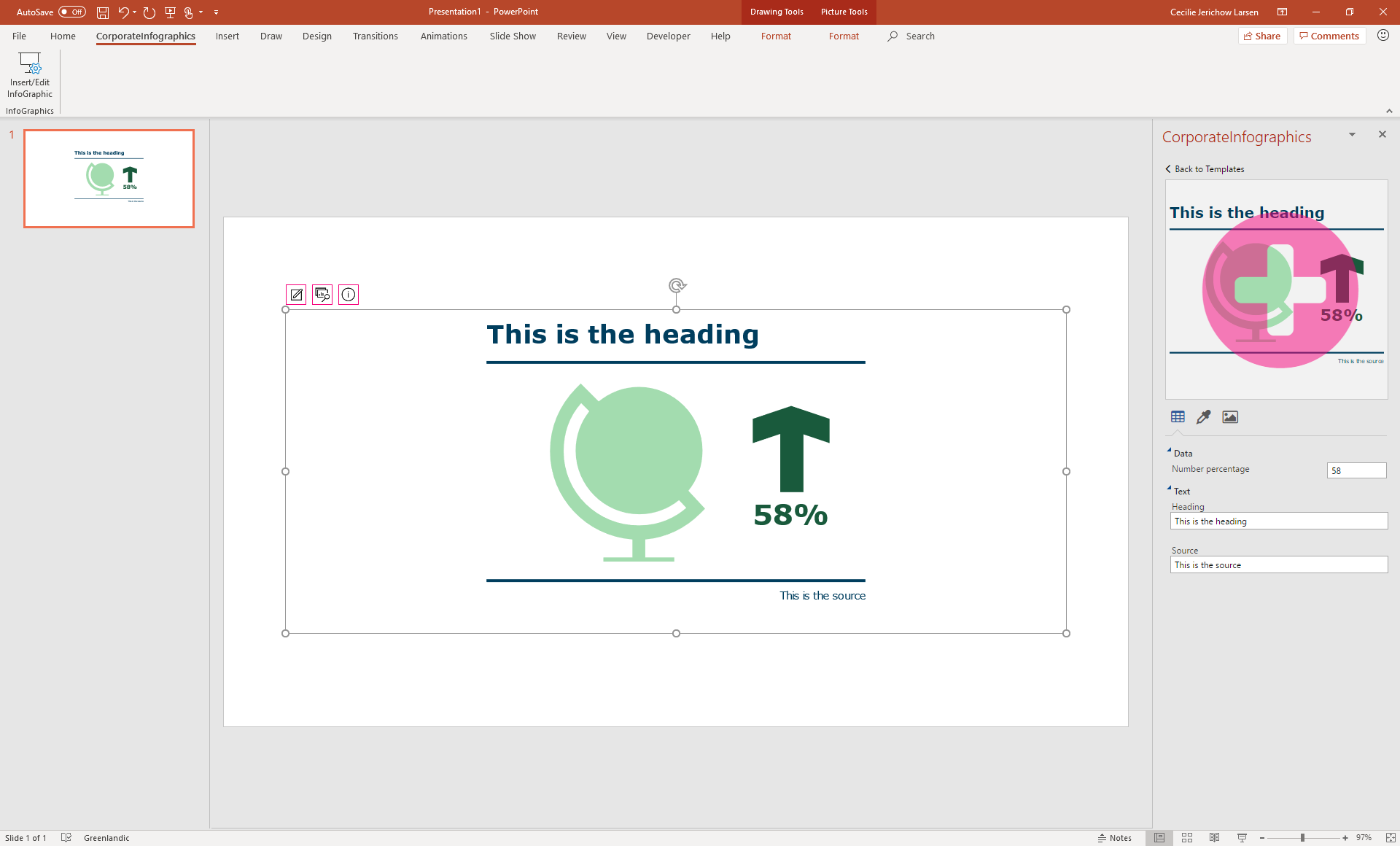
Here, another template for the infographic can be selected. When a template is selected, it jumps to the editor view. To update the template of the infographic, hover and click the preview.
Was this article helpful?
That’s Great!
Thank you for your feedback
Sorry! We couldn't be helpful
Thank you for your feedback
Feedback sent
We appreciate your effort and will try to fix the article