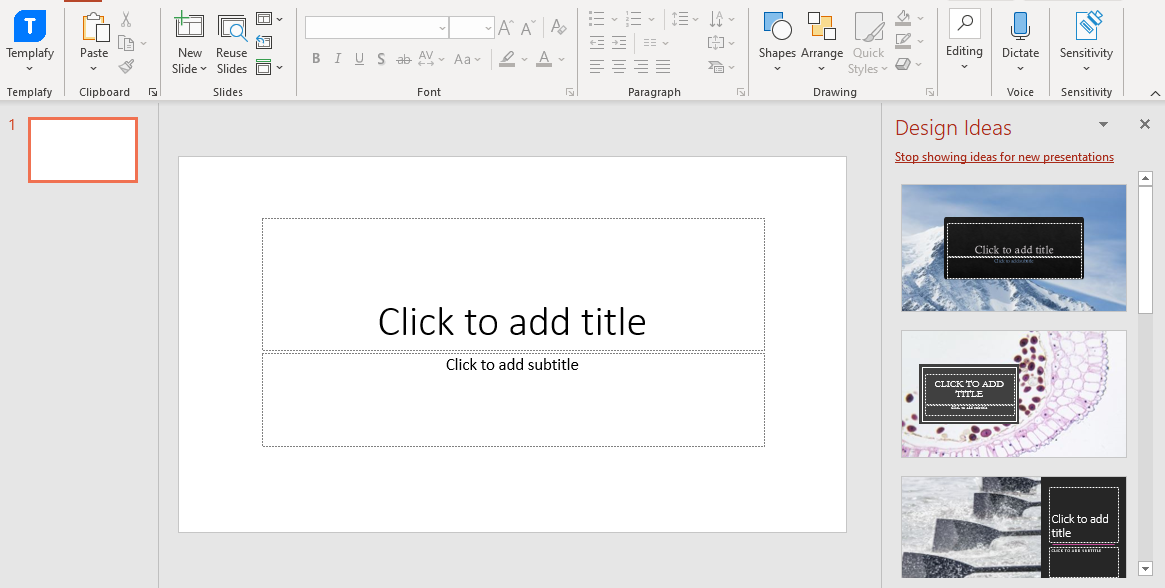
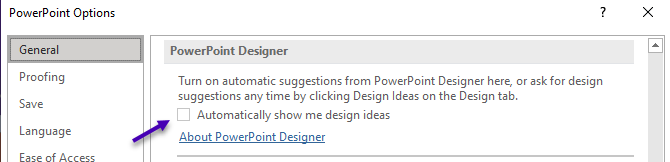
You can disable the PowerPoint Designer manually in PowerPoint. Go to File/Options/General and untick the box to disable the design suggestions.
You can also add a new entry to your registry.
Locate your active PowerPoint version and open Options, usually placed here:
[HKEY_CURRENT_USER\Software\Microsoft\Office\16.0\PowerPoint\Options]
Add a DWORD (32 bit) value and name the string EnableSuggestionServiceUserSetting
The value data should be 0 to disable the design suggestions.
Was this article helpful?
That’s Great!
Thank you for your feedback
Sorry! We couldn't be helpful
Thank you for your feedback
Feedback sent
We appreciate your effort and will try to fix the article